Chat with Copilot in Business Central
What Copilot Chat actually changes for day-to-day work in Business Central, and where it earns its place.

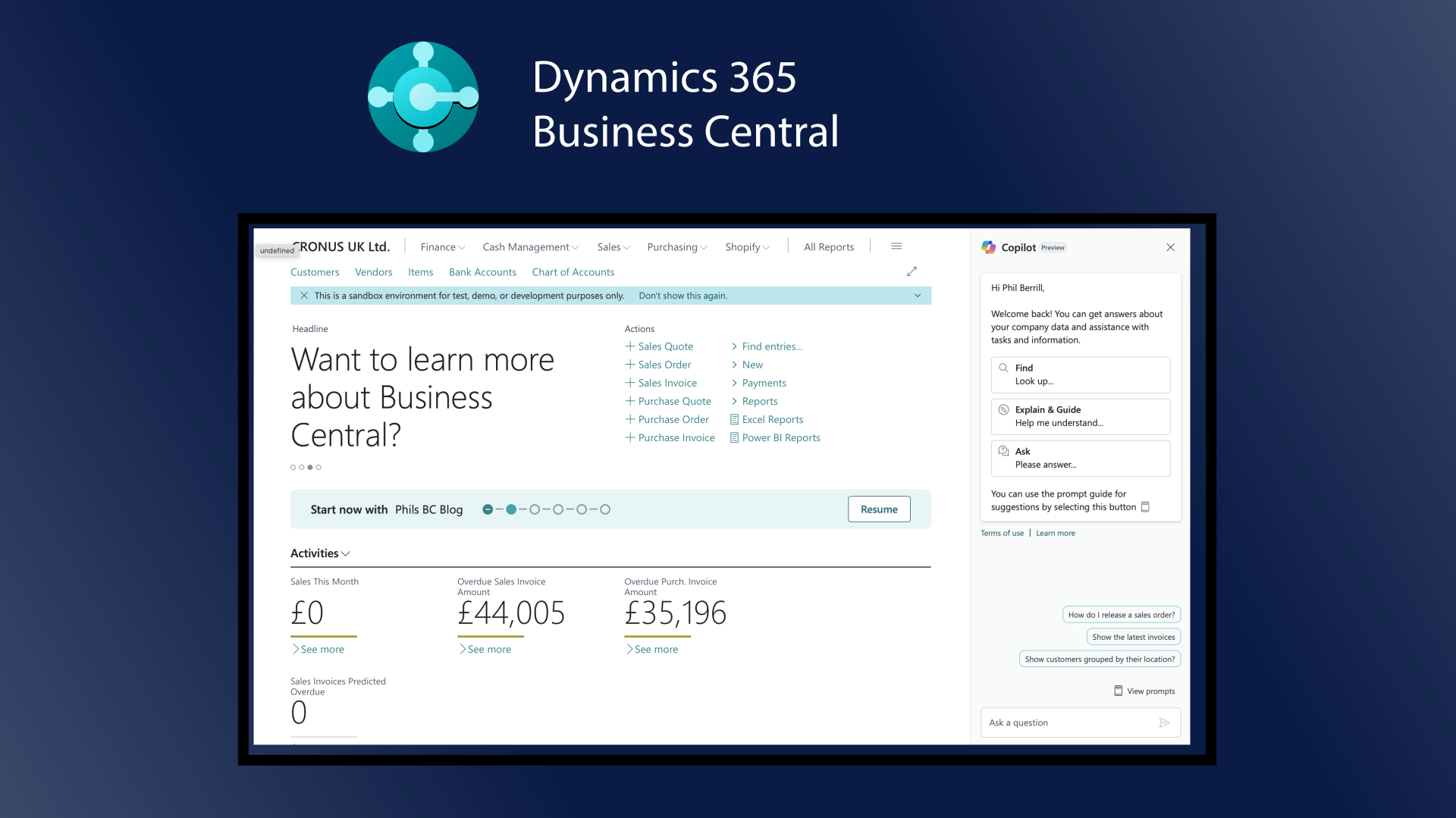
Chat with Copilot is now a standard part of Business Central. It rolled out to all countries and regions across the 2025 release wave 1 updates (v25.3 and v25.4), and 2025 wave 2 added a noticeably better version: it handles prompts with more than one intent, supports more languages, and is quicker. If you’re on a current online environment, it’s already there, whether or not anyone told your users.
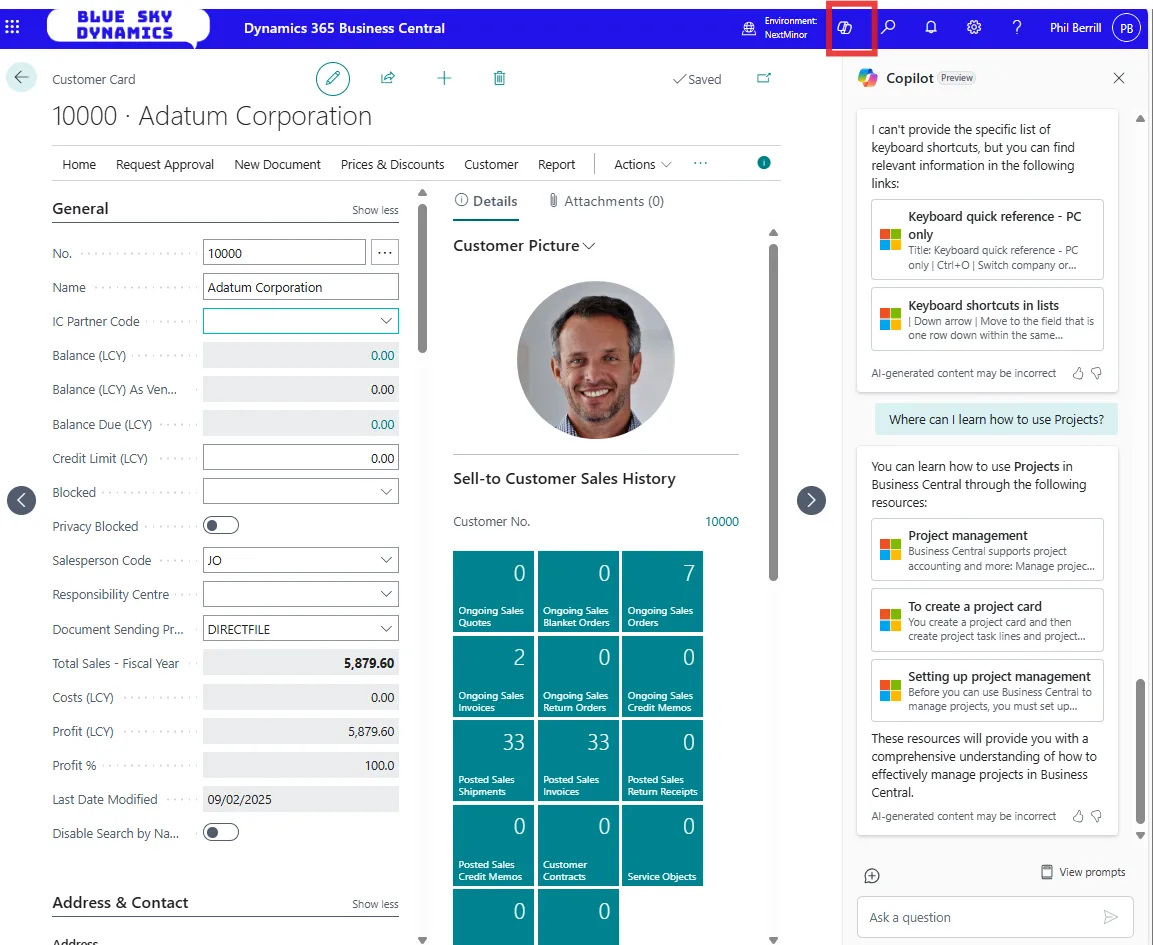
It sits inside the Business Central client rather than being a separate tool, which is the point: your data stays in your environment, and the assistant is to hand wherever you’re working. Click the Copilot icon in the navigation bar and the chat pane opens.
What it’s actually good at
After using it in real work rather than demos, the value falls into three buckets.
“How do I” questions. This is where it earns its place. Instead of raising a support call or searching Microsoft Learn, you can ask how to do something and get an answer in context: “how do I process year-end”, “how do I add a new dimension value”, “what does this error mean”. For a user who’s stuck mid-task, that’s the difference between carrying on and waiting a day.
Finding things. It can locate records, pages and reports across your data, and in 2025 wave 1 it gained the ability to answer questions about installed add-on apps too, so it can guide users through ISV functionality, not just the base product. “Which report shows my sales figures” or “what’s still awaiting approval” land well.
Explaining the screen. Hover over a field and you get an Ask Copilot option in the tooltip that explains what the field does, with links for further reading.

A few prompts worth trying
- What Copilot features are in Business Central?
- Which report can I use to show sales?
- How do I process year-end?
- What does this error mean?
- How do I add a new dimension value?
- Show me the list of keyboard shortcuts.
- Where can I learn how to use Projects?
Where I’d set expectations
It’s a well-read colleague, not your accountant. For “where is this” and “how do I” it’s excellent; for analysis you still want the dedicated features (Analyse Data in lists, analysis views, or Power BI) rather than asking chat to crunch numbers. And like any assistant, it’s confidently wrong often enough that you should treat “how do I” answers as a strong steer to verify, not gospel, especially on anything that posts.
Used for what it’s good at, though, it quietly removes a lot of small friction: the “I just need to know where this is” moments that used to mean a support ticket. That alone is worth showing your users.
For the current detail, see Chat with Copilot on Microsoft Learn.